This page was translated with machine assistance. The Simplified Chinese version is the authoritative reference.
Testing and Publishing
1. Testing a MOD In Game
Section titled “1. Testing a MOD In Game”After editing the MOD files, you can start debugging directly.

Start debugging
Enable the local MOD. If it is a story campaign, enable it on the story campaign page.
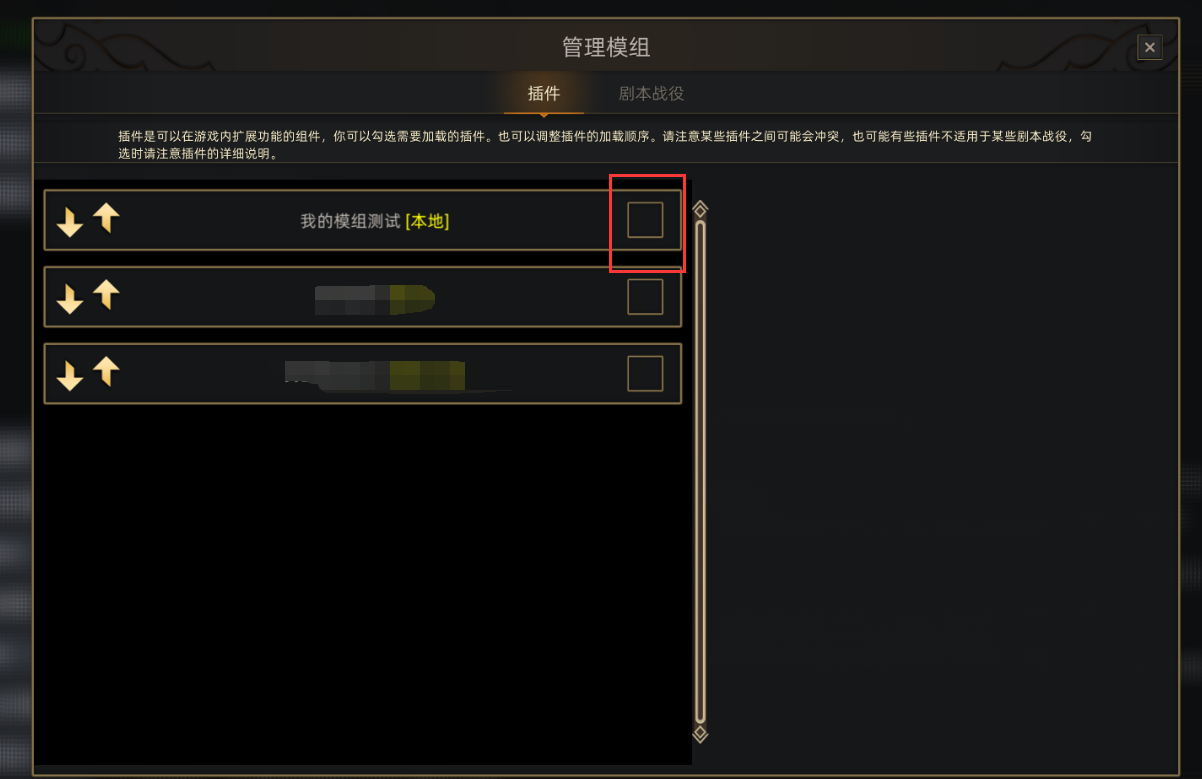
Enable local MOD
You can then begin debugging.
2. Uploading and Publishing a MOD
Section titled “2. Uploading and Publishing a MOD”Click upload to Steam Workshop.
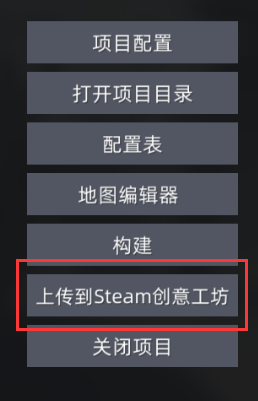
Upload to Steam Workshop
Set the project’s visibility, preview image, and update notes, then click submit to publish it to Steam.
After the upload succeeds, Steam may take a short time to update.